
Capture the details
Keep the purchase request and its supporting attachments in the same workflow.
Purchasing records & reporting
Bring purchase details, approvals, and supporting documents together so records are easier to find and review.
Build these steps into everyday purchasing.
Keep the purchase request and its supporting attachments in the same workflow.
Review how a purchase progressed and who was involved.
Use your purchasing information to respond to finance and auditor requests.
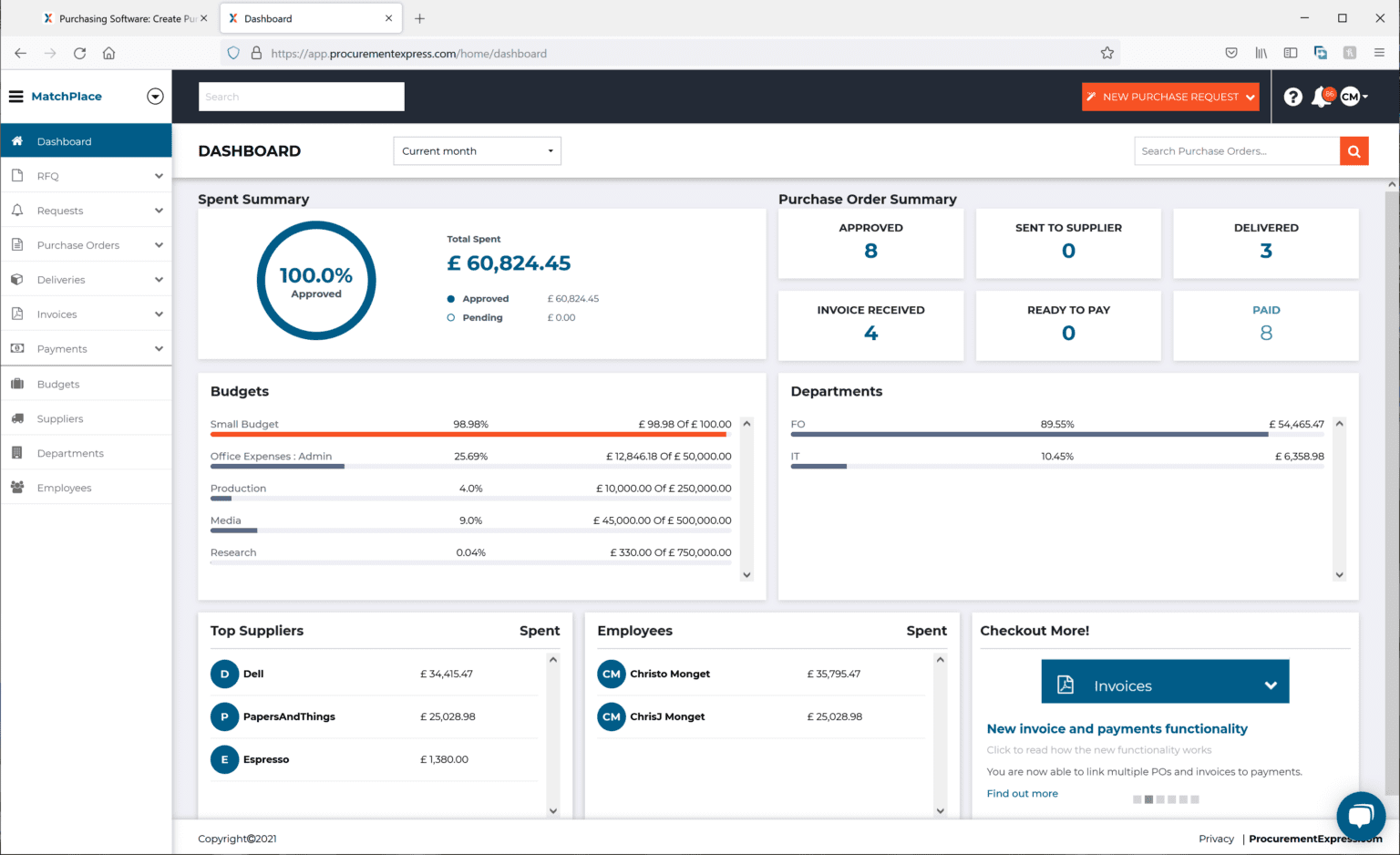
A look inside ProcurementExpress.
A practical next step
Start with a checklist for the records and tasks your team needs to review.
Explore the resource“Helps us to stay in budget and manage our finances.”
Cynthia Pinkerton
Director of Business Affairs
Sunny Glen Children’s Home
SEE IT WITH YOUR TEAM
Walk through your budgets, approvals, and reporting needs with us.